Dictation and meeting notes for your Mac
Just talk
and Tadink types it.
Talk the way you think. Tadink types the clean version, shaped for the app you’re in, and takes your meeting notes too.
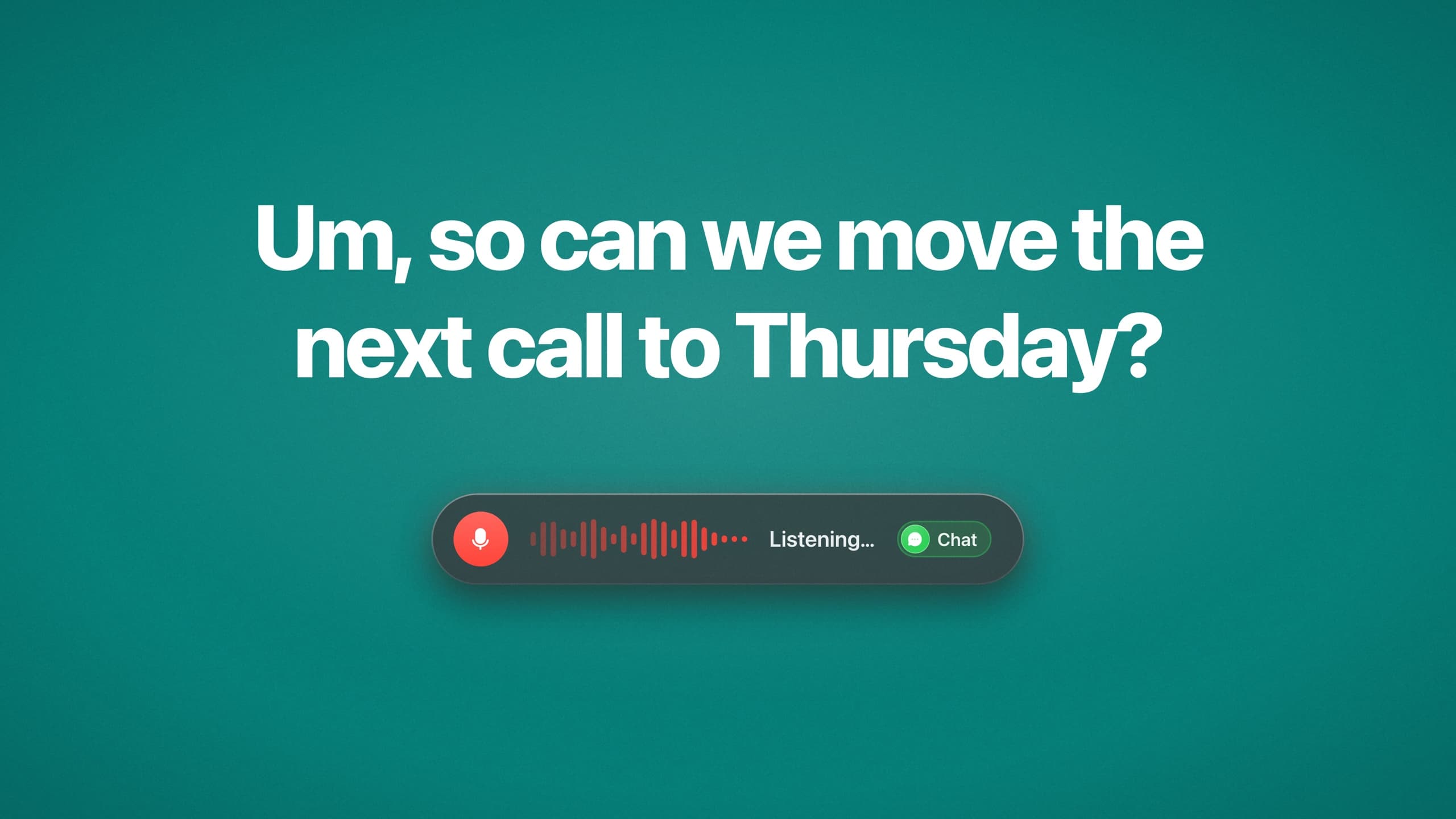
Talk the way you talk
You say: “Um, so can we move the next call to Thursday? No wait, Friday.” Tadink types: “Can we move the next call to Friday?”
DictationHold a key and talk. Tadink drops the ums and the corrections, then types the clean sentence in any app.
Tadink adapts to where you type.
A profile tells Tadink how to write what you say. It switches by itself, by the app or site you’re in, or when you hold a key.
In Mail, Spark or Gmail, Email takes over by itself.
You say: “hey sarah um i basically just wanted to say the demo went really well you know and i think we should ship it on the fifteenth no wait the sixteenth thanks adam”
Hey Sarah,
I just wanted to say the demo went really well and I think we should ship it on the 16th.
Thanks,Adam
Make your own for any app or website: choose where it takes over, the key that calls it, and how it writes, down to a style like “Short sentences. No exclamation marks.”
More about dictationAsk in a line.
Tadink writes the rest.
Dictation types what you say. A smart command writes what you mean. Say “Tadink,” at the start of a dictation, or press ⌃⌥T and type, and ask in a few words: Tadink reads what’s on screen and writes the whole reply, message, note or command right where your cursor is.
Answer the email without writing it.
Said in a mail app. Tadink reads Paige’s questions off the window and answers every one, laid out as an email.
9 words inA whole email out
Hi Alex, before Thursday: can you confirm the launch date, send me the final pricing and tell me who’s presenting? And is 3 still good for you?
“Tadink,”at the start makes a dictation a smart command
You see every answer before it lands. Tadink never presses Return.
See everything smart commands doSlow. Fast. Crazy fast.
Typing is as fast as your fingers. Dictation is as fast as your voice, which is why Tadink types for you all day. A smart command goes one better: it’s as fast as you can make up your mind.
Type it31 words, by handSlow
Dictate it31 words, out loudSuper fast
Ask for it9 words. Tadink writes the restCrazy fast!
The reply to Paige, three ways


Your screen stays on your Mac.
When Tadink takes a picture of the window, it reads it right on your Mac. The picture is never sent to us, and never leaves your Mac.
More on what leaves your MacMeetings, without the note-taking.
Record a call, or drop in any audio or video file. The rest happens on your Mac.
Private by default: transcripts, summaries and answers are all made on your Mac.
Built like a Mac app should be.
Native and fast, private by default, and free for most of what you do.
Private by default
Speech and AI run right on your Mac, even offline. The cloud is your choice.
- Tadink speech modelOn your Mac
- Tadink Local AIOn your Mac
- Tadink CloudOnly if you choose it
Native and fast
A real Mac app, built in Swift. It waits in your menu bar and types the moment you stop talking.
Hold the key, say something, let go.
Free for most of what you do
FREE PLAN- Dictation in every app
- Cleanup, voice commands and snippets
- Meetings and transcripts
- Speaker names
Pro adds Tadink Cloud, Tadink’s smartest model, for when you want it.
See pricingStart talking.
Download for MacOr install it with Homebrew
$ brew install --cask makailabsio/tap/tadinkNeeds macOS 26.2 or later on a Mac with Apple silicon.